
Gadhi Kamath
Useful Chrome Extensions that you shouldn't Miss Out
Most Popular Chrome Extensions Review
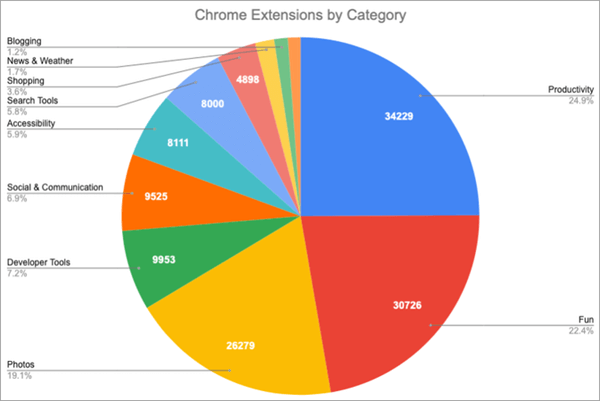
Here are some popular and must-have Chrome extensions:
1-Google Calendar
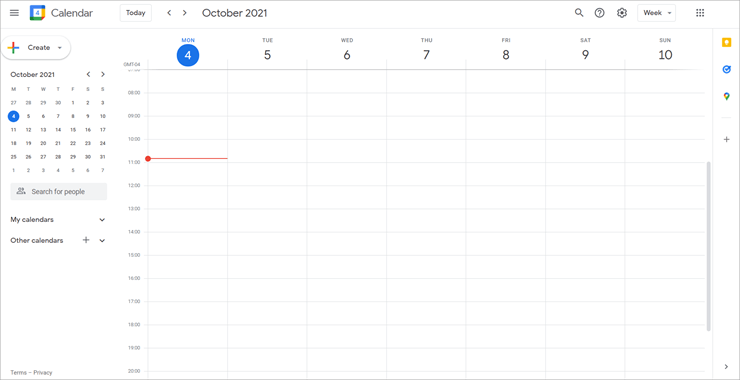
Google Calendar remains one of the best calendar tools out there. Users can easily keep track of events, schedule new ones, and share them with co-workers, friends, or family. You can also set up reminders, maintain track of RSVPs, and send invitations.
Features:
* Schedule view.
* Year view.
* Schedule upcoming meeting rooms.
* Add appointments.
* World clock.
Verdict: Google Calendar remains one of the best online calendar tools. It is easy to use, yet packs a range of features that just about anyone can use.
2-Scribe
Best for anyone who has to create step-by-step instructions and wants to save time editing screenshots and writing out steps.
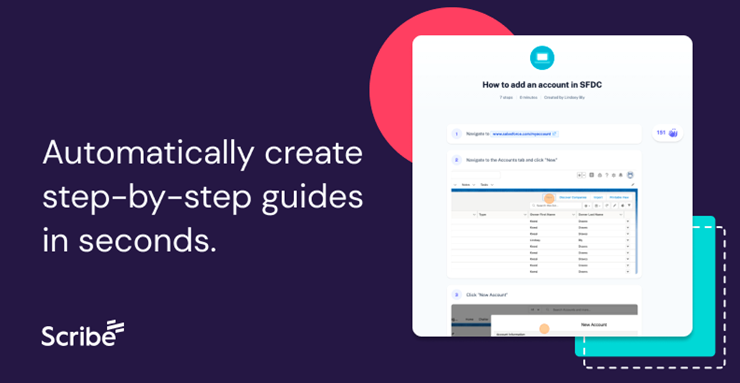
Scribe is a popular new Chrome extension that instantly saves time for anyone creating step-by-step guides. It captures your screen while you complete the process, then creates highlighted screenshots and written instructions for you. No more writing out steps in Word.
Individual Scribes can be shared with anyone via a link, embedded within an existing knowledge base or other tool, or accessed by teammates with permission.
Features:
* Instant document creation
* Highlighted screenshots
* Screenshot editor
* Embeddable guides
* Recommended guides
Integrations with CMS, project management, knowledge base, and more.
Verdict: Scribe is an easy-to-use tool that will increase productivity for any business when creating documentation or instructions.
3-Grammarly
Best for writers that need to optimize their content and check for plagiarism quickly.
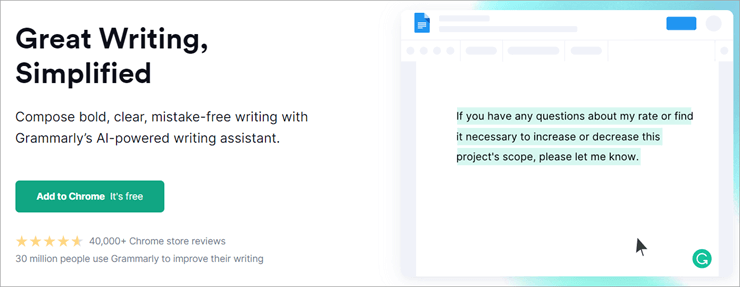
Grammarly is one of the most popular Chrome extensions around. It is a spelling and grammar checker with a clean and simple interface. Users can customize their spell-checking settings easily, and check for plagiarism with just one click.
Its premium version offers features for tone adjustment, word choice, and formality levels. Grammarly is the perfect fit for any writer that wants to clean up and optimize their written content.
Features:
* Spelling
* Grammar
* Punctuation
* Fluency check
* Plagiarism detection
Verdict: Grammarly’s clean and simple interface makes it both easy and enjoyable to use. Writers of all backgrounds can benefit from using this app for their written content.
4- Loom
Best for small to medium-sized businesses that require easy video communication between staff.
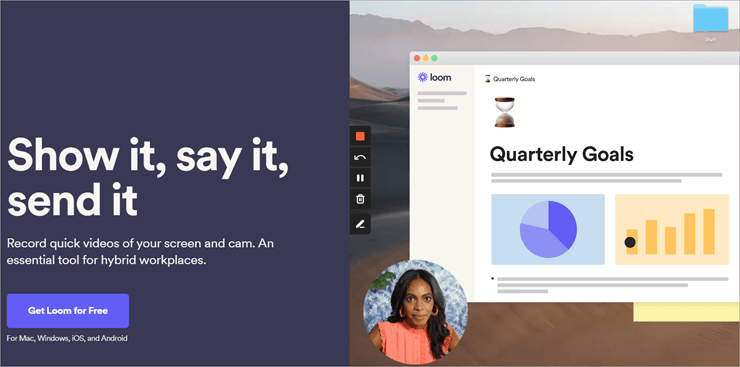
Loom is one of the most essential Chrome extensions. It is a video messaging tool created for the workplace. Users can record their screen, face, or voice and create videos in just a few clicks. This helps save time, as users can get straight to the point by creating and sharing their content.
Features:
* Video capture
* Screen capture
* Image editor
* Scrolling capture
* File sharing
* Platform search
Verdict: Loom is a useful tool for any business owner or employee that needs to communicate information via video or audio quickly.
5- HubSpot Sales
Best for large businesses that need an efficient way to manage customer relations.
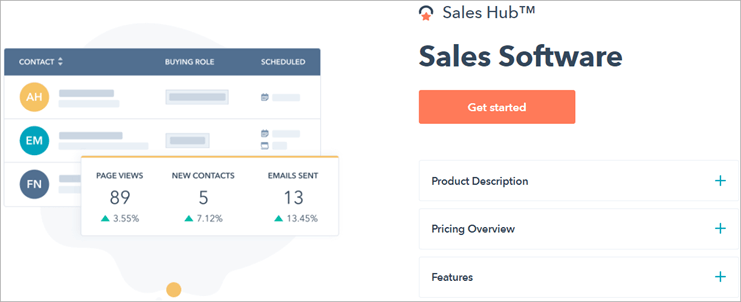
HubSpot Sales Hub offers a powerful Customer Relationship Management (CRM) system for large businesses that wish to store and manage customer information. It includes sales engagement and analytics tools to take your business to the next level.
The platform offers businesses better insight into their customers and provides tools to improve customer management efficiency.
Features:
* Automated sales force tools.
* Marketing automation tools.
* Customer support tools.
* Mobile user support.
* Social collaboration features.
Verdict: HubSpot Sales offer a wide range of tools for customer relationship and sales management. This is one of the best extensions for Chrome if you run a growing business that needs to stay on top of operations.
6- LastPass
Best for anyone that needs a versatile and reliable password manager.
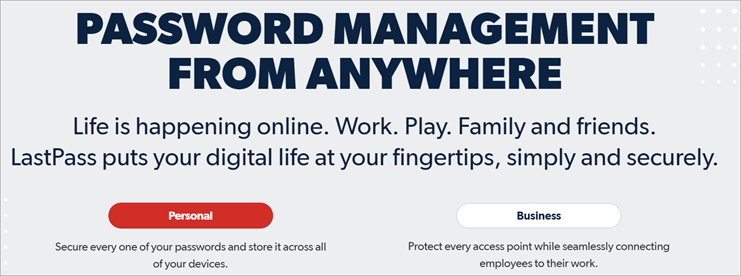
LastPass is a feature-packed password manager with all the tools needed to keep your passwords safe. Users can securely share their passwords with others, keep themselves safe using the handy dark web monitoring tools.
Features:
* Two-factor authentication.
* Automatic form-filler.
* Fingerprint login.
* Password generator.
* Mobile app unlock pin.
Verdict: LastPass is a great password manager that can compete with other top-end password managers on the market. Its wide array of features will satisfy even the most cautious users.
7- Everhour
Best for small business teams and freelancers that wish to keep track of time spent on projects.
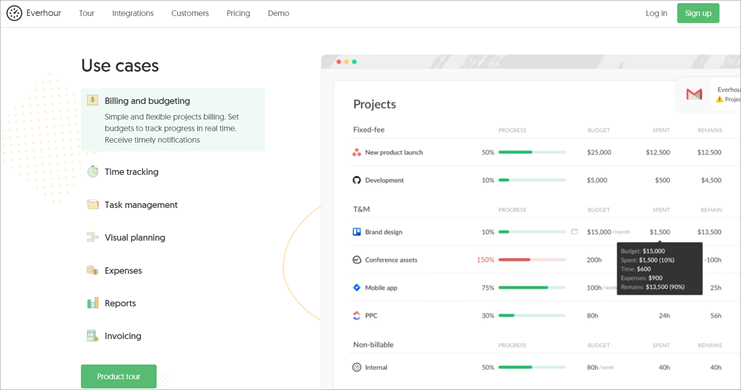
Everhour is an online time-tracking extension that is suitable for small business teams and freelancers who wish to track the time spent on different projects and create billable invoices based on them. The extension features a clean and simple interface but also packs a wide range of useful features.
Features:
* Project management tools.
* Resource planning tools.
* Reports and dashboards.
* Expense tracking.
* Sending invoices.
Verdict: Everhour is a splendid choice for any small business team or freelancer that wants to keep track of their activities and convert their efforts to billable hours. This is one of the best Google Chrome extensions because of its simple interface that is easy for new users to pick up. Creating billable invoices is a breeze with Everhour.
8- Awesome Screenshot
Best for users that require a high-quality screenshot and screen capture tool.
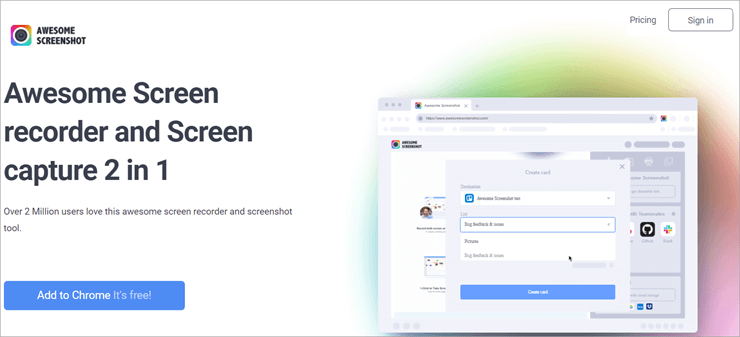
Awesome Screenshot is a Chrome extension designed for designers and casual users needing high-quality screen recording and screenshot capabilities. Users can add annotations and text to their screenshots to provide quick and easy feedback.
The extension allows you to upload captured images in many different ways. This includes uploading via the extension itself, choosing the image from your computer, dragging and dropping the image, and pasting your image via the clipboard.
Features:
* Screen capture.
* Video capture.
* Image editing.
* Scrolling capture.
* Screen recording.
* File sharing.
Verdict: Awesome Screenshot offers a great solution for designers and casual users seeking a quick and easy way to capture their screen. The annotations and text tool make providing feedback incredibly simple. This tool is a must-have for any designer.
9- Checker Plus for Gmail
Best for small to medium-sized businesses and entrepreneurs that need to stay up to date with email contacts.
Checker Plus for Gmail offers a quick and easy solution for businesses and users that need to monitor their emails without opening their Gmail app.
Users can view how many emails they have received by glancing at the extension’s button on their Chrome toolbar. You can also customize how you receive notifications. Users can choose to receive pop-ups, chime alerts, and even get part of their email read aloud.
Features:
* Monitoring Gmail.
* Customized notifications.
* Push notification support.
* Offline view.
Verdict: Checker Plus for Gmail is a great add-on for anyone that needs to keep track of a high volume of emails throughout the day. Its customizable notification feature makes it easy for users to choose an option that suits them.
10- StayFocused
Best for any user that requires a website blocking tool with custom features.
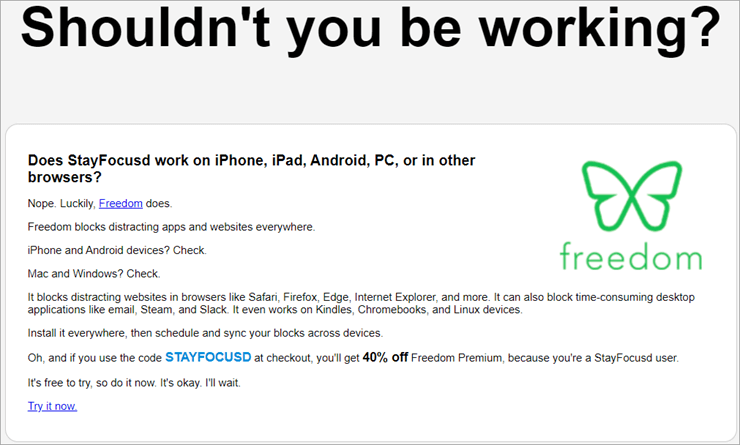
StayFocusd is a simple but useful website blocking tool. It offers a wide range of features, such as the ability to block websites for a specified amount of time. Users can also selectively block in-page content, such as images and videos, to help them stay focused on other tasks.
Features:
* Blocking websites for specified time intervals.
* Tracking time spent on a website.
* Simple pause and play feature.
* Block notifications.
* Viewing app usage and history.
Verdict: StayFocusd is a website blocker that gets the job done. It is useful for increasing productivity while web browsing and the app tracking feature helps users understand where exactly they are spending their time.
11-RescueTime
Best for individuals that need to keep track of time spent on different online activities.
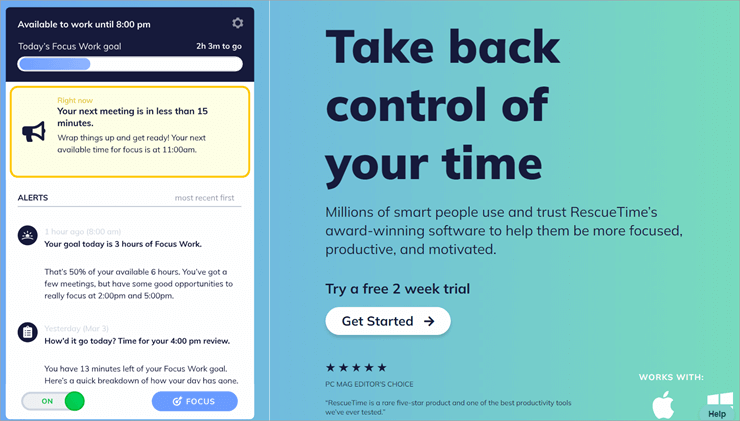
RescueTime is a great productivity app that offers insight into your activity. It is compatible with both desktop and mobile devices, so you can understand how your time is spent both at home and on the go. This app is best for personal use and isn’t touted as a time-tracking solution for businesses.
Features:
* Computer activity recording.
* Monitoring time spent on meetings and phone calls.
* Weekly email summary of activity.
* Product vs unproductive days comparison tool.
* Website blocking.
Verdict: RescueTime is one of the must-have Chrome extensions because it runs on both desktop and mobile devices. It will help any user manage their time more effectively.
12-Buffer
Best for small businesses that require a versatile social media management tool.
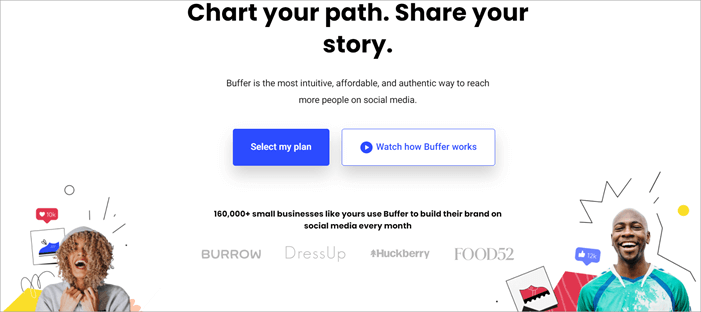
Buffer is a versatile social media management platform that aims to drive customer engagement and offer great results. It includes tools for publishing, enhancing engagement, and analyzing social media performance.
These tools are essential for social media marketers that wish to stay on top of their business accounts and collaborate with others for an optimized social media presence.
Features:
* Publishing
* Analyzing
* Social Engagement
* Analytics
* Content calendar
Verdict: Buffer makes social media management a breeze. Users can plan ahead thanks to its handy post-scheduling feature. Its collaborative tools also help divide tasks for easier social media management.
13-Oberlo AliExpress Product Importer
Best for E-commerce business owners that wish to purchase products from the AliExpress marketplace.
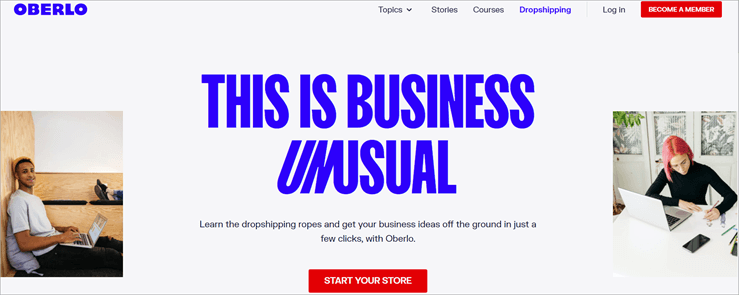
Oberlo AliExpress Product Importer offers e-commerce store owners a great interface for browsing products on AliExpress marketplace. They can purchase items directly through the app and run a dropshipping business from just about anywhere in the world.
Features:
Quick product importing from AliExpress marketplace.
Syncing imports between AliExpress and Shopify.
Easy sample ordering.
Verdict: Oberlo AliExpress Product Importer is a brilliant choice for any e-commerce business owner that wants to make managing AliExpress imports easier.
Source: www.softwaretestinghelp.com

Gadhi Kamath
Let's share information about web development! GadhiKamath@advertisementclub.com